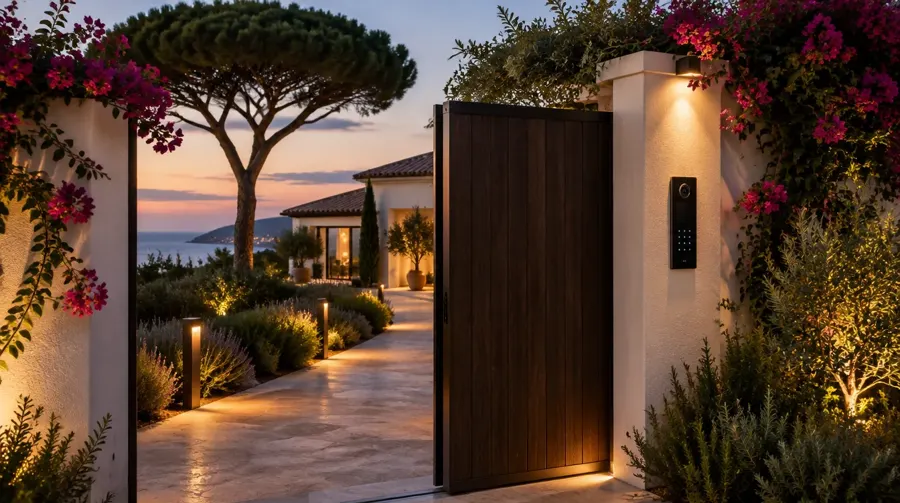

A connected villa depends entirely on its internet connection: cameras you can view remotely, an alarm that sends its alerts, home automation you can control from abroad, streaming TV, working from home. Yet in some parts of the hills around the Gulf of Saint-Tropez, fibre has not yet arrived or the existing connection proves unreliable.
The options available
Fibre optic
Where it is available, it is the best foundation: high speed, low latency, stability. The connection up to the house is carried out by the operator. Once the fibre is in, everything depends on the in-house network (see our guide Wi-Fi in a large villa).
4G / 5G
A 4G or 5G router with a well-aligned external antenna can deliver decent speeds where mobile coverage is good. It is quick to set up and very useful as a backup.
Starlink
Starlink satellite internet works almost anywhere the dish has a clear view of the sky. For a remote villa, it is often the best alternative to fibre. Quality depends heavily on the installation: an unobstructed position (pines, chimneys, terrain), a solid fixing on the roof or terrace, and a neat, weatherproof cable run.
The real answer: combine two connections
Rather than choosing, we often combine a main connection and a backup connection (fibre + Starlink, or Starlink + 5G) behind a router that can switch over automatically. If one connection fails, the house stays online without anyone having to step in. This is particularly important when:
- the villa is empty for part of the year and monitored remotely;
- it is let out and guests expect flawless Wi-Fi;
- the owner works from the villa.
What Home-Tech does
- Assessing the best connection solution for the villa’s location.
- Installing Starlink dishes on the roof or terrace, with a neat cable run.
- Setting up a dual-connection router and the in-house network (rack, Wi-Fi access points, fibre links between buildings).
- Remote monitoring and maintenance.
See our Starlink and TV antenna page or request an assessment.